Energy prices are rising, and transparency on energy consumption is becoming increasingly important. Now it's a matter of keeping an eye on the corresponding data.
Additional support comes in the form of the digital energy consumption display dashboard in ConnectedCooking, whch lets users keep an eye on energy consumption in the iCombi Pro and the previous SelfCookingCenter model.
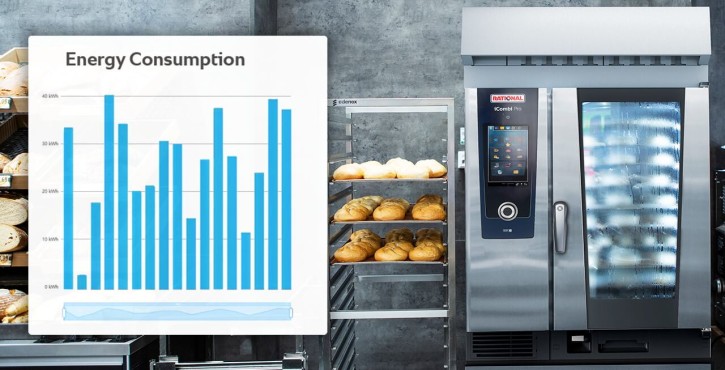
You'll always have access to your calculated energy consumption for the current month for each cooking process, each combi oven, or each restaurant. Transparent, easy to use, customizable: the new ConnectedCooking dashboard.
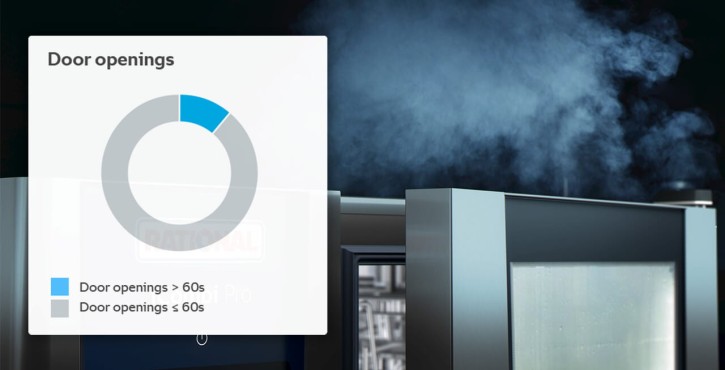
Analyze how long the loading process takes and whether unnecessary door openings could be causing the cooking cabinet to lose energy. See how different loading situations affect energy consumption.
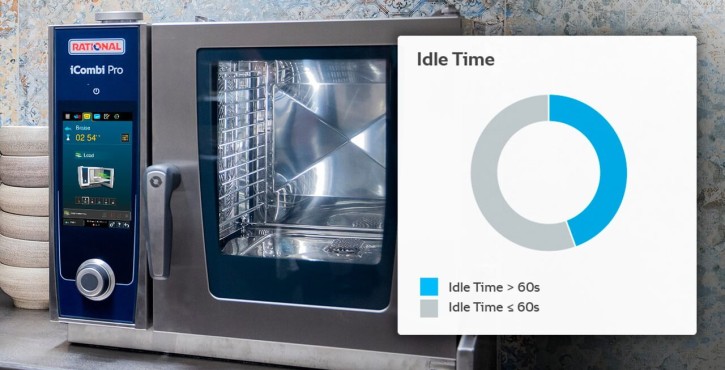
See how quickly the iCombi Pro or SelfCookingCenter was loaded after preheating finished, and find out how different waiting times potentially affect energy consumption.
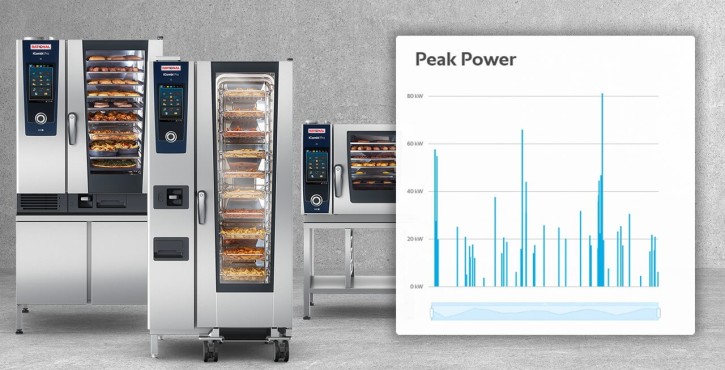
Detect energy peaks in your food production and adjust your production accordingly. The dashboard makes consumption peaks visible and supports consumption data analysis.
Use ConnectedCooking conveniently from any mobile device. Download the free ConnectedCooking app for iOS or Android from the App Store or through Google Play and access your RATIONAL cooking systems digitally.

Tips and tricks on energy consumption and using RATIONAL cooking systems.
Discover practical information, application examples, and additional content related to energy consumption and RATIONAL cooking systems.